A CSS feature you should know
Live and learn.
Either CSS is developing so fast, or I'm so slow, but I feel like I knew 80% of CSS in 2015, and now I know at most 50%.
Today we'll talk about env function in CSS. Yeah... there are environment variables in CSS, just like in NodeJS 🤯
The env() CSS function can be used to insert the value of a user-agent defined environment variable into your CSS.
The syntax is simple:
env(<environment-variable>, <fallback>)
But what kind of environment variables do we have and how can we use them? Here is a good example.
safe-area-inset-*
Here is the definition of the group of safe area variables.
safe-area-inset refers to a group of CSS environment variables (safe-area-inset-top, -right, -bottom, and -left) used to ensure web content is not obscured by device-specific UI elements like display notches, rounded corners, or system navigation bars.
But it's easier to show than tell.
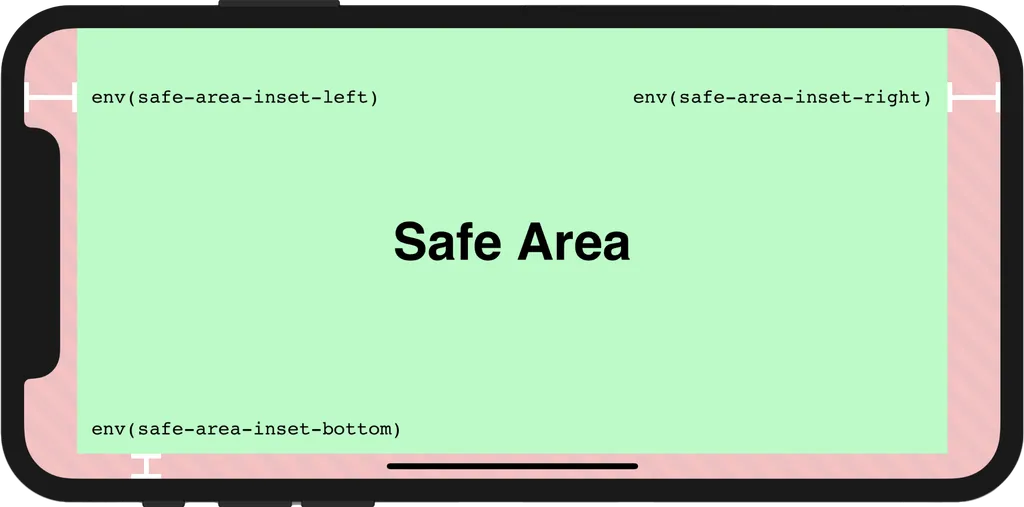
So these variables basically hold paddings so that you can avoid such problems with your content being covered by the notch of an iPhone device, for example.
In the case of a web browser, these variables will probably equal zero. If a variable is not defined for a specific device or application (the environment where the code is executed), you can use a fallback value instead.
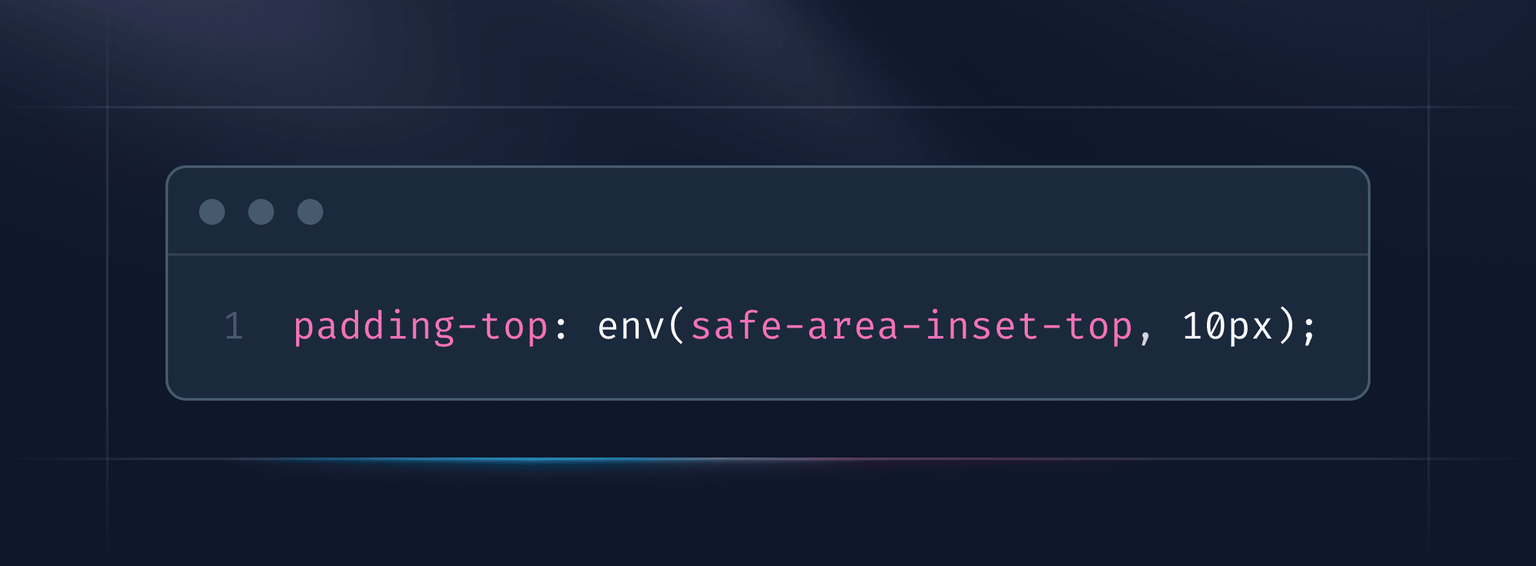
Here is an example of how you can add top padding.
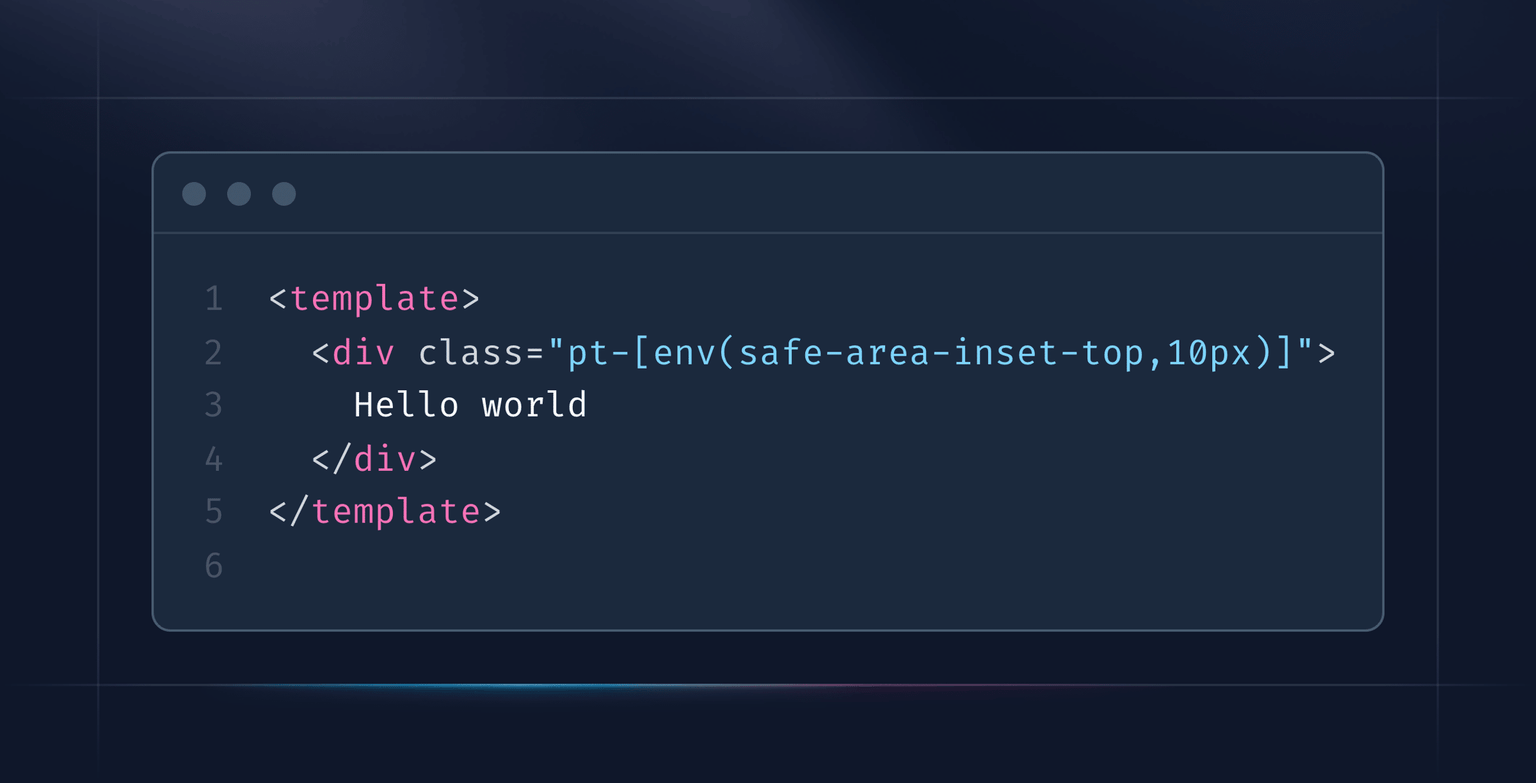
And here is how it can be done with Tailwind classes.